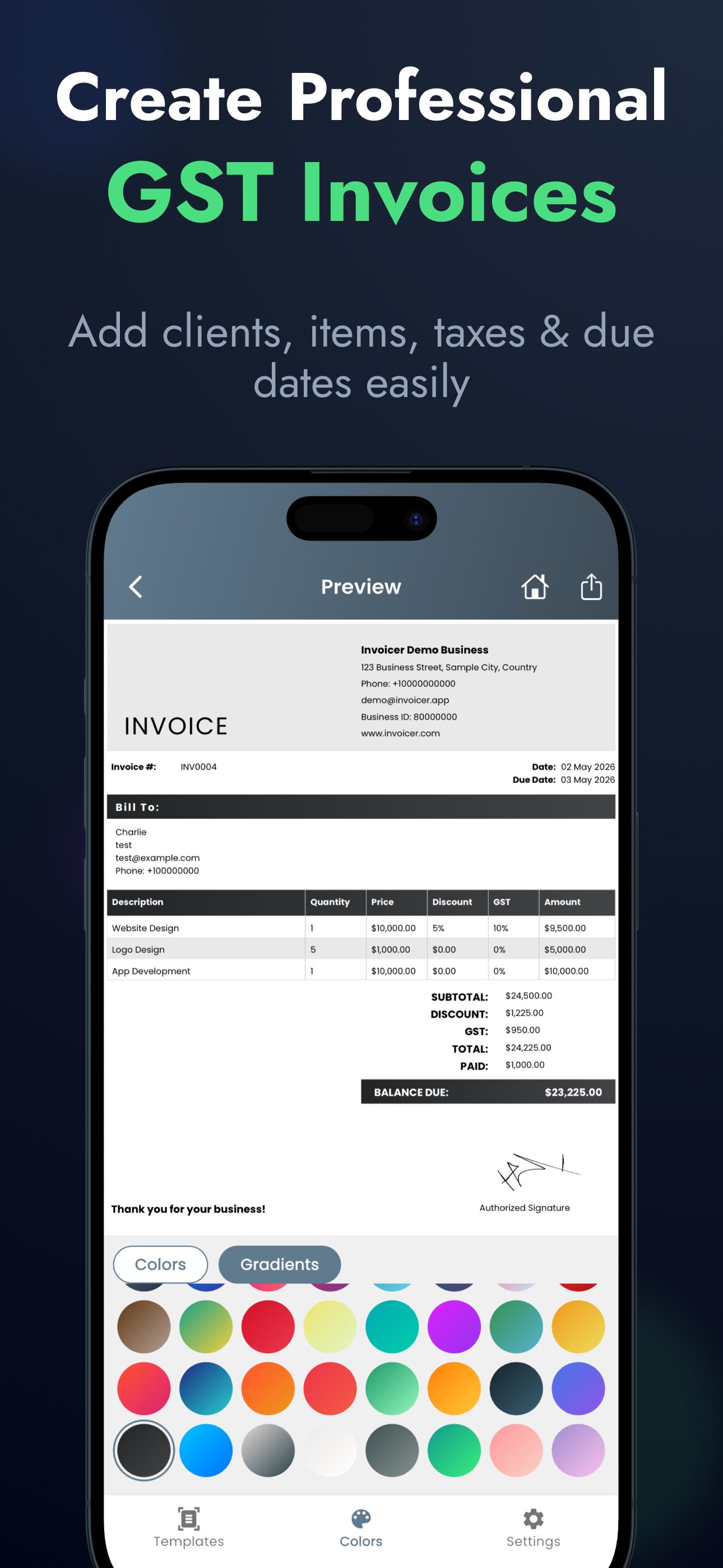
Freelancers need clean, professional invoices to get paid faster. An invoice that is disorganized or missing information not only looks unprofessional, but it can also cause significant delays in processing your payment as clients have to ask for clarification.
What Freelancers Should Include
When you wrap up a project or hit a milestone, your invoice should clearly outline exactly what the client is paying for. Here are the crucial components:
- Service description: Detail the work performed (e.g., "Website Redesign" or "Monthly SEO Consulting").
- Project timeline: The dates or hours the work was completed.
- Hourly rate: Or the agreed-upon flat fee for the milestone.
- Tax (if applicable): Any state or national taxes you are required to collect.
- Payment terms: When the invoice is due (e.g., Net 15, Net 30, or Upon Receipt).
Why Use Digital Templates?
Many freelancers start out using static Word or Excel templates. While this feels easy initially, it quickly becomes a bottleneck to scaling your business:
Static templates:
- Require manual formatting edits every time you bill a new client.
- Easily lead to copy-paste errors, like incorrect invoice numbers or leaving old client names in headers.
- Risk mathematical calculation errors on line items and taxes.
Digital templates:
- Auto-fill client details instantly from a saved address book.
- Auto-calculate sub-totals, discounts, taxes, and grand totals flawlessly.
- Export instantly as a secure, un-editable PDF that looks perfect on any device.
By automating the repetitive parts of billing, you project a more organized image to your clients and get hours of your week back to focus on your actual work.
Focus on Work, Not Paperwork.
👉 Step up your freelancing business today with digital invoice templates.
Download Invly Free